

❤️ SafeLink™ SOS Safety Watch – One-Touch Help & Fall Alert Support for Seniors
❤️ SafeLink™ SOS Safety Watch – One-Touch Help & Fall Alert Support for Seniors

BUNDLE & SAVE
Couldn't load pickup availability

❤️ SafeLink™ SOS Safety Watch – One-Touch Help & Fall Alert Support for Seniors
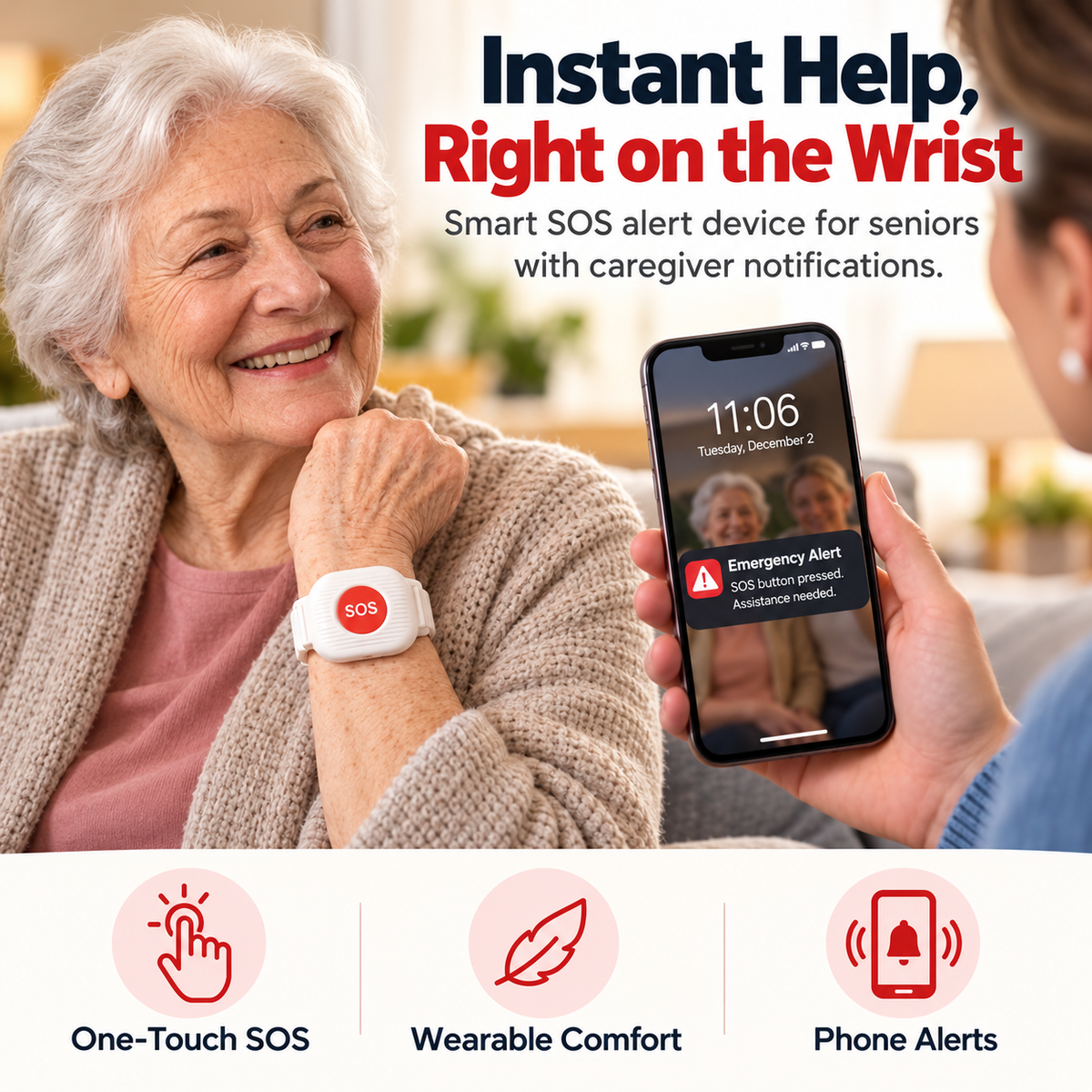
Keep The Help Button On The Wrist.
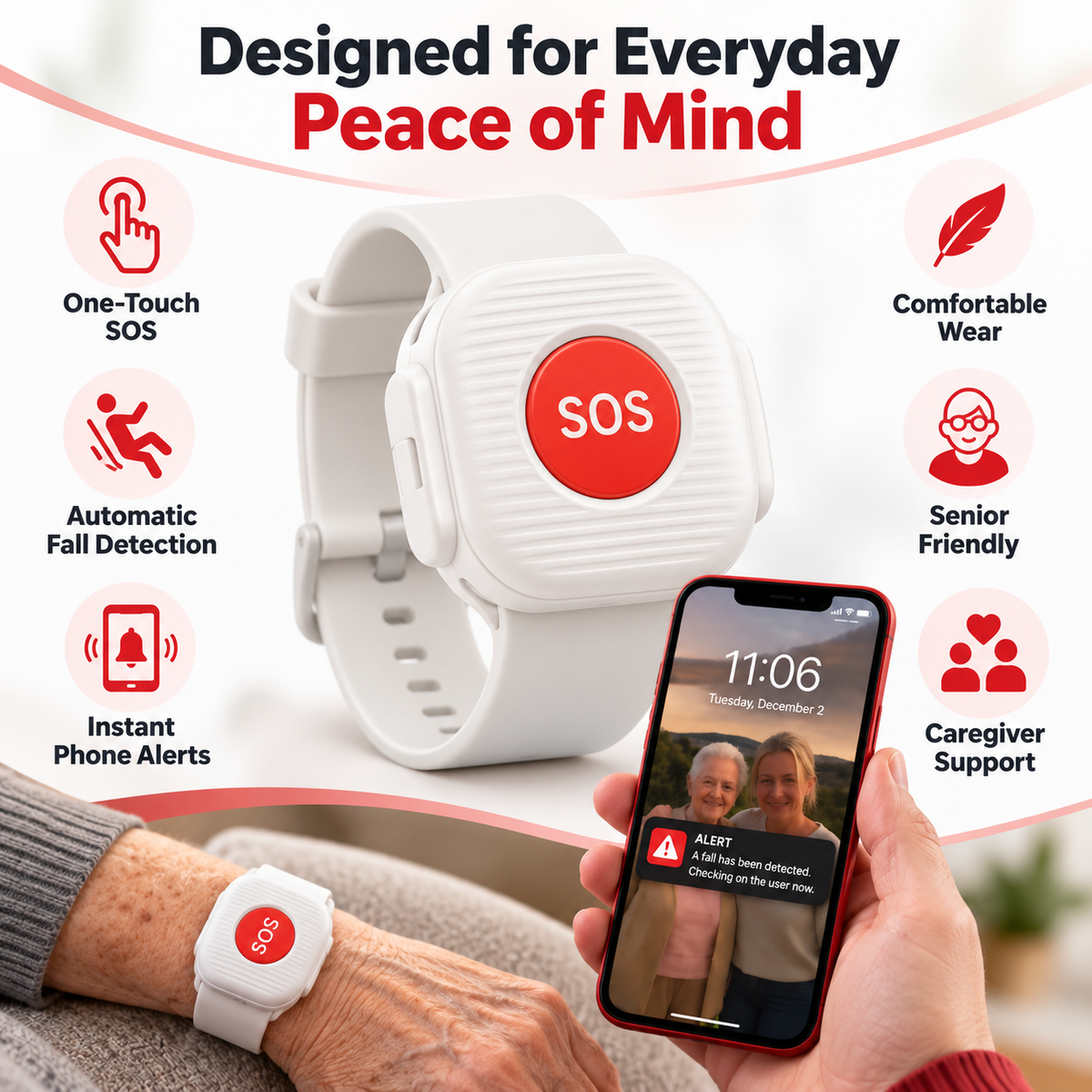
SafeLink™ pairs with a smartphone to support one-touch SOS alerts, caregiver notifications and fall-alert functionality in a simple wrist-worn design.
The Phone Can Be Across The Room When Help Is Needed.
SafeLink™ is designed around a simpler idea: keep a dedicated alert control on the wrist so the first action does not have to be searching for a phone.
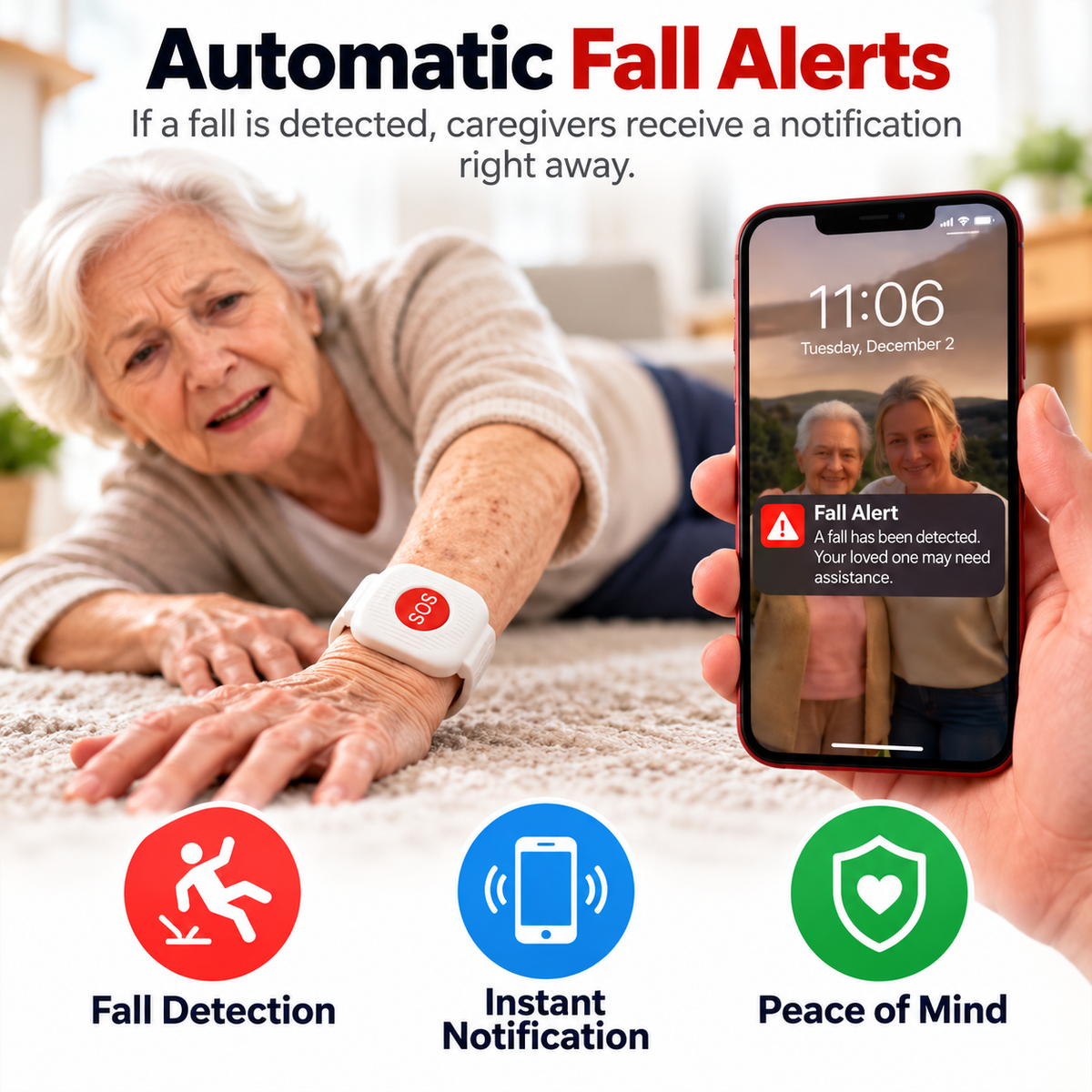
Fall-Alert Support Adds Another Way To Get A Family Member’s Attention.
Current SafeLink™ creative presents automatic fall-detection functionality that can trigger a caregiver notification when the system identifies a possible fall.
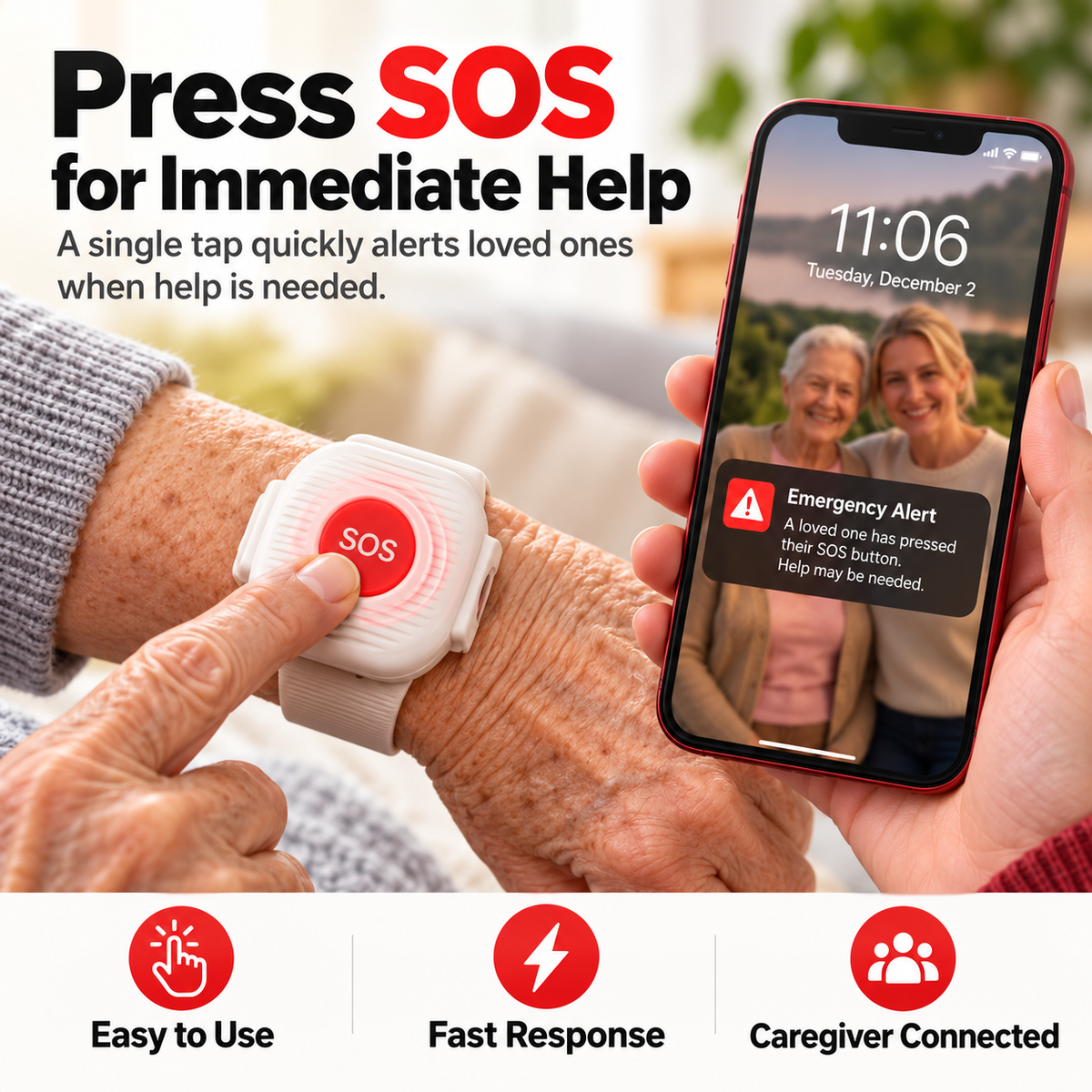
When Something Feels Wrong, Keep The First Step Simple.
The prominent SOS button is designed to reduce the number of steps between recognizing a need for help and sending an alert through the connected system.
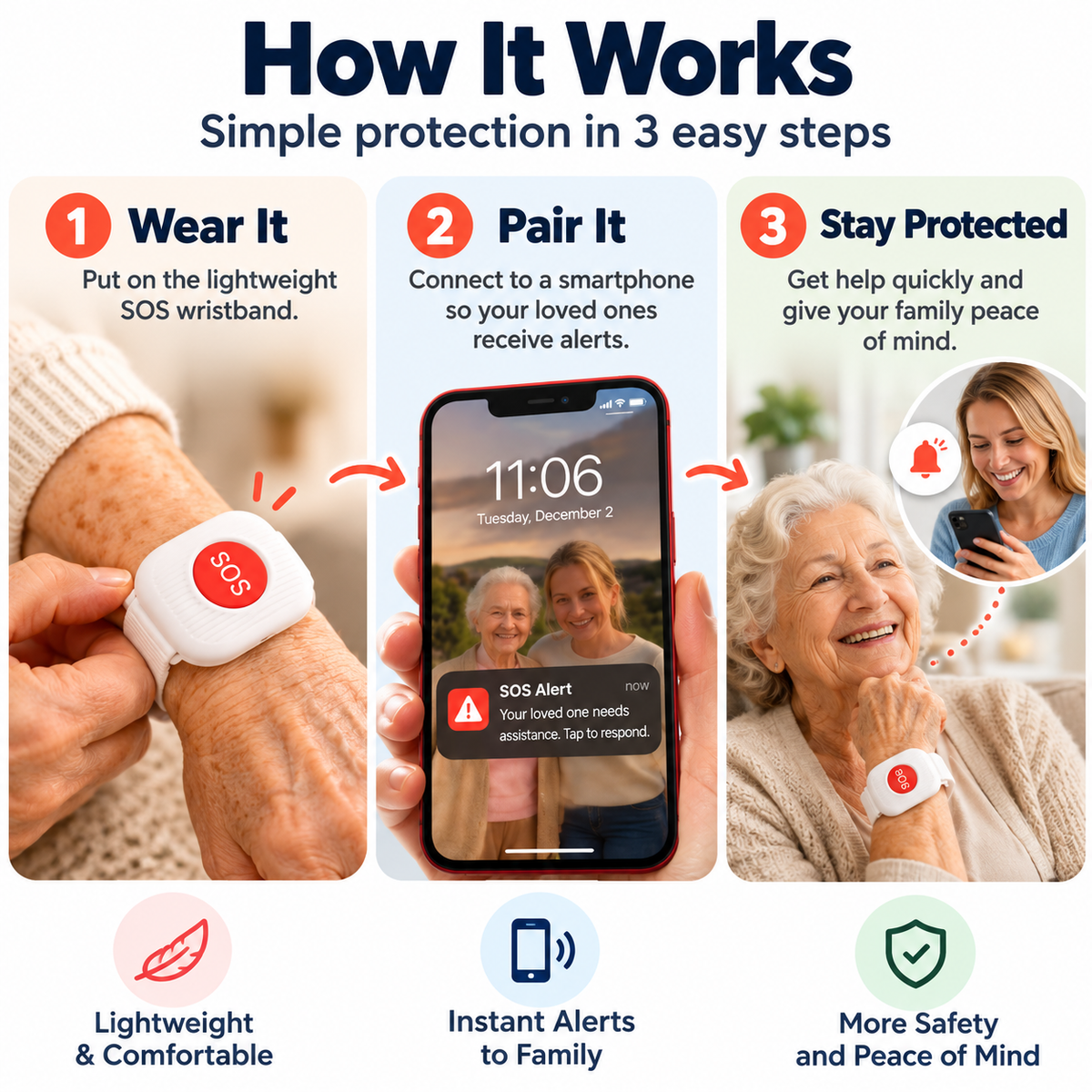
Wear It. Pair It. Keep Help Closer.
SafeLink™ is presented as a wrist-worn alert device that connects with a smartphone so alerts can reach a loved one or caregiver.
Keep The Alert Control With The Person As They Move Through The Day.
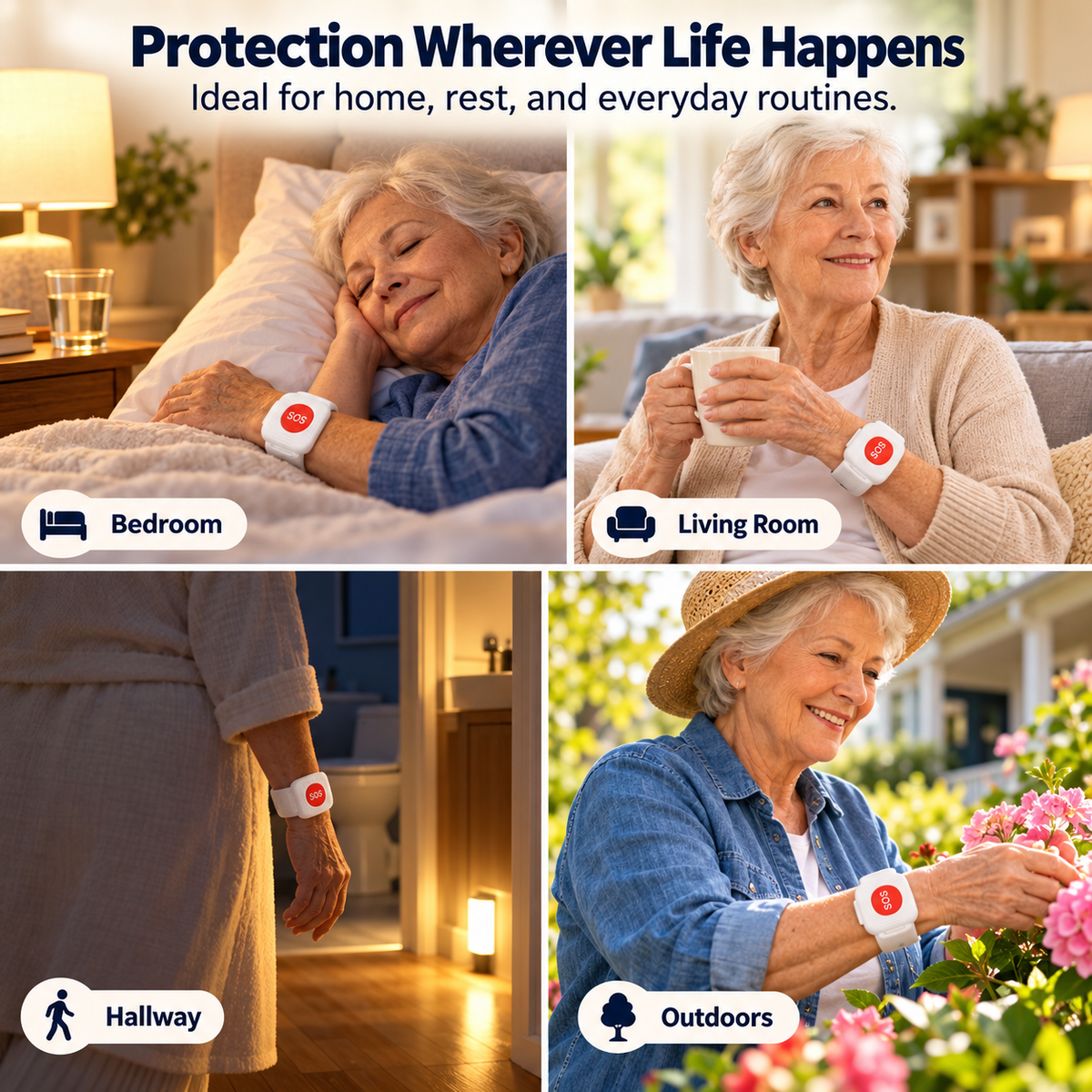
Current product creative positions SafeLink™ for daily use around the bedroom, living room, hallway and suitable outdoor routines.
Stay Connected Without Turning Everyday Life Into Constant Supervision.
SafeLink™ is designed to support a more independent routine while giving family another alert pathway when the wearer actively presses SOS or when the system may identify a fall.
Keep The Communication Step Simple.
A prominent SOS control reduces the number of actions required to initiate an alert through the paired system.
Current product creative presents automatic fall detection that may generate a caregiver notification when a possible fall is identified.
The current product concept centers on sending alerts to a paired loved one or caregiver smartphone.
A wearable format keeps the dedicated SOS control closer than a phone that may be sitting elsewhere.
What The Current Product Creative Clearly Supports.
| Product Type | Wrist-Worn SOS Alert Device / Alert Wristband |
|---|---|
| Manual Alert | Dedicated One-Touch SOS Button |
| Fall Feature | Automatic Fall-Detection / Fall-Alert Functionality Claimed In Current Creative |
| Alert Recipient | Connected Loved One / Caregiver Smartphone Shown In Current Creative |
| Setup Concept | Wear Device • Pair With Smartphone • Receive Alerts |
| Wear Style | Adjustable Wristband Format |
| Scenarios Shown | Bedroom • Living Room • Hallway • Everyday Home Routine • Outdoor Routine |
| Primary Audience | Older Adults • Family Caregivers • Families Supporting Independent Daily Living |
Know What SafeLink™ Is Intended To Support.
SafeLink™ should be treated as an additional alert tool for connected family or caregivers — not as a substitute for emergency services, medical care, professional monitoring or appropriate supervision.
The Questions Families Should Ask First.
Who receives the SOS alert?
Current product creative shows alerts arriving on a connected loved one or caregiver’s smartphone. It does not clearly state that the SOS button directly contacts 911 or a professional monitoring center.
Does SafeLink™ call 911 automatically?
Direct emergency-service calling is not clearly published in the current product information. Do not assume 911 dispatch functionality unless the seller provides separate documentation confirming it.
Does it require a smartphone?
Current setup creative explicitly instructs the user to pair the wristband with a smartphone so loved ones can receive alerts. Exact compatibility and required connection method are not clearly published.
How does fall detection work?
Current creative claims automatic fall detection and caregiver notification. The exact sensor method, sensitivity, detection threshold and accuracy are not published, so this page does not claim that every fall will be detected.
Can fall detection create a false alert?
Exact performance data is not published. As with any sensor-based fall-alert feature, users should not treat the system as infallible and should regularly confirm that the setup operates as expected.
Does it have GPS location tracking?
GPS and live location sharing are not clearly confirmed in the current listing, so this page does not make a location-tracking claim.
Can the wearer talk through the device?
Two-way voice calling or speaker/microphone functionality is not clearly published in the current product information.
Does it require a monthly subscription or SIM card?
Subscription fees, cellular service and SIM requirements are not clearly disclosed in the current listing reviewed here. These should be confirmed before purchase if they are important to your intended use.
How long does the battery last?
A verified runtime, battery capacity and charging schedule are not clearly published in the current product information, so no battery-life claim is made here.
Is SafeLink™ waterproof?
A verified water-resistance or IP rating is not clearly published. Do not assume shower or water exposure is supported unless the manufacturer documentation specifically confirms it.
Keep A Simple Help Signal Within Reach.
Give a loved one a dedicated wrist-level SOS control and add another connection point between everyday independence and family support.


