

Bluetooth Phone Remote Control – Wireless Scrolling & Camera Shutter Remote for TikTok, Videos, Selfies and Photos, Pocket-Size Phone Controller
Bluetooth Phone Remote Control – Wireless Scrolling & Camera Shutter Remote for TikTok, Videos, Selfies and Photos, Pocket-Size Phone Controller

BUNDLE & SAVE
Couldn't load pickup availability

Bluetooth Phone Remote Control – Wireless Scrolling & Camera Shutter Remote for TikTok, Videos, Selfies and Photos, Pocket-Size Phone Controller
Scroll Without Reaching.
Control Your Phone From Your Comfort Zone.
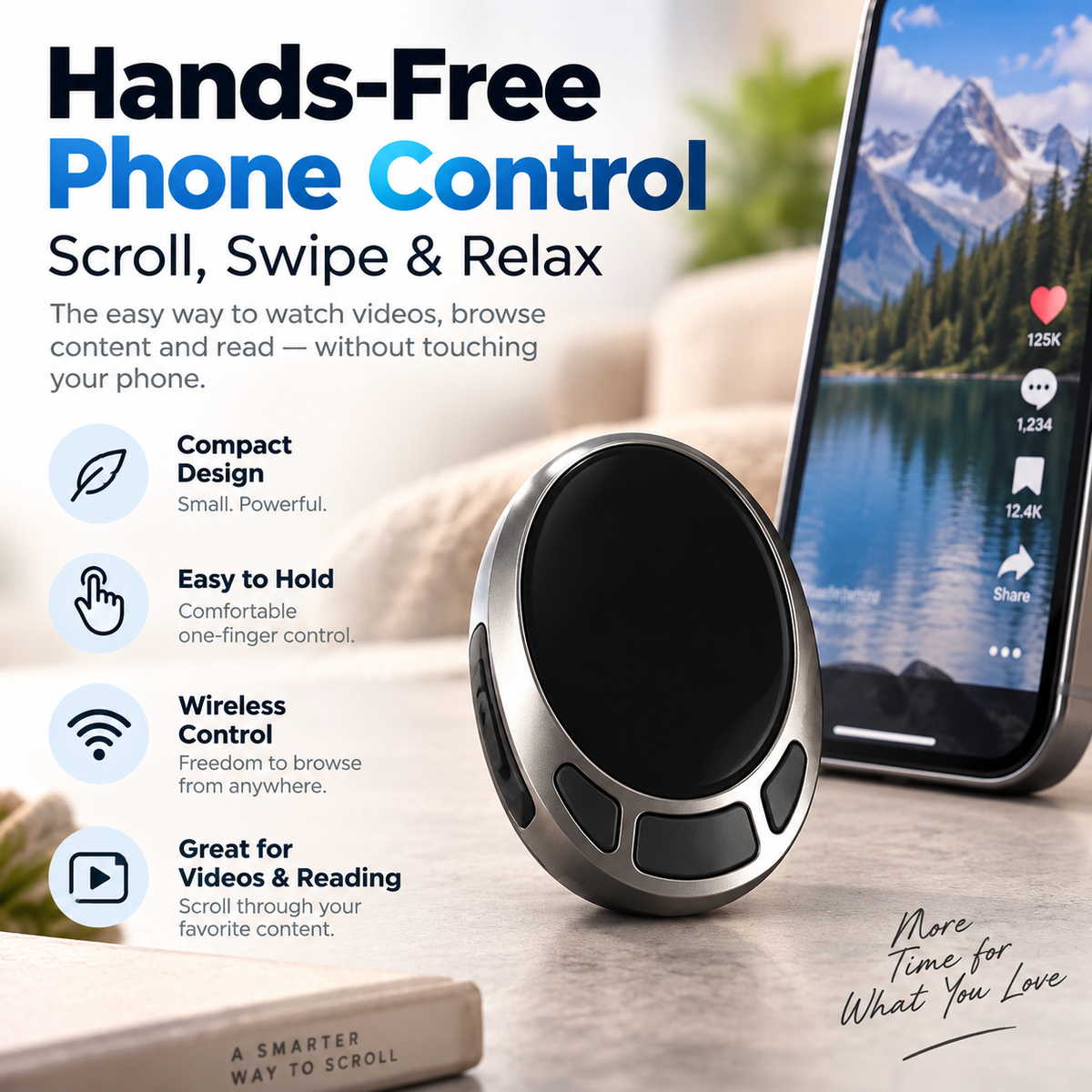
A pocket-size Bluetooth controller that lets you handle compatible scrolling and photo functions without constantly reaching for your phone. Perfect for relaxed video watching, casual browsing, reading and hands-free selfies.
Pair once. Keep your phone where it's comfortable.
Watching Should Feel Relaxing.
Reaching Every Few Seconds Doesn't.
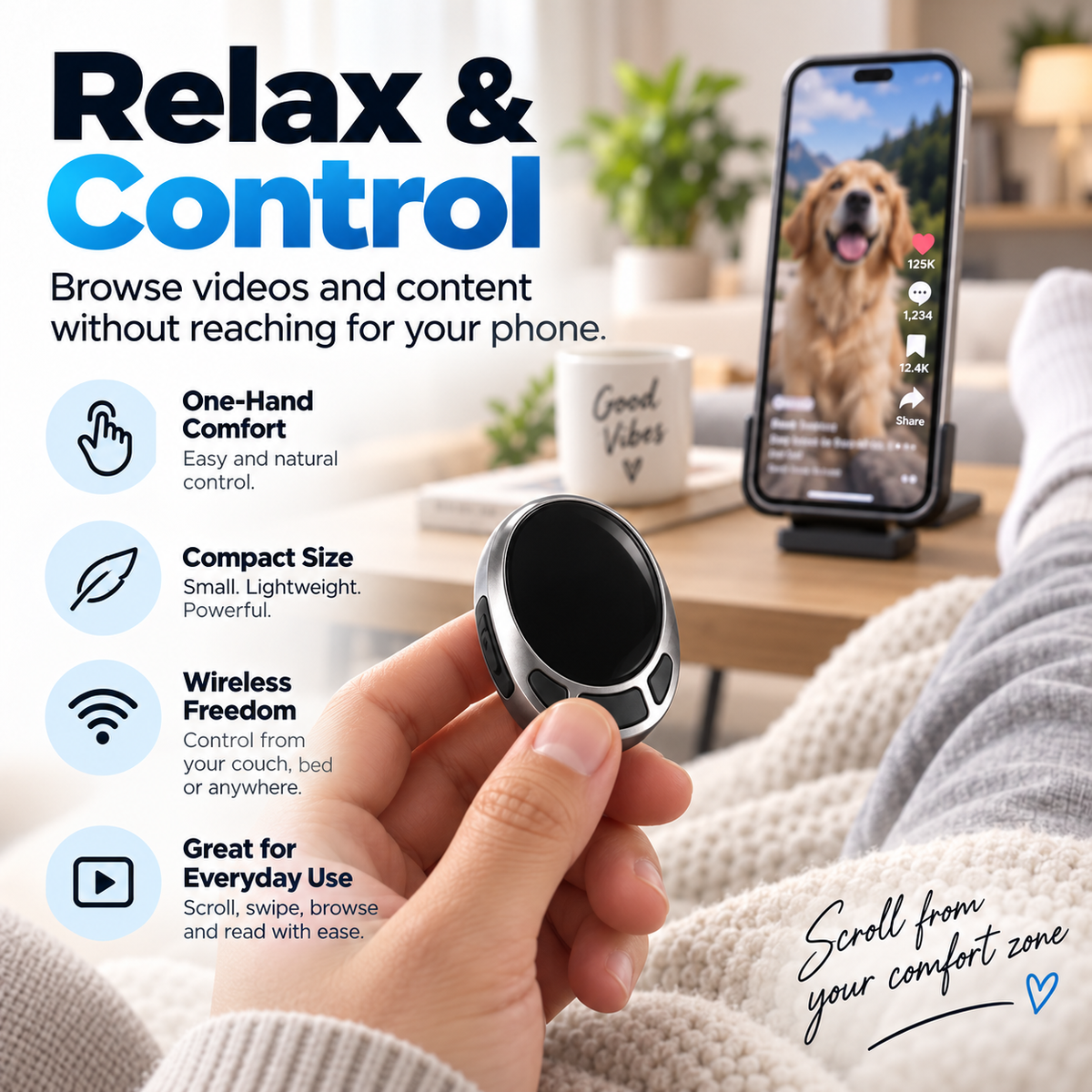
When your phone is on a stand, across the desk or beside the bed, even one simple swipe means reaching forward again and again. A small remote puts basic control back in your hand.
Your Screen Can Stay Put While You Stay Comfortable.
Place your phone where it's easy to see and use the remote for compatible content navigation. Whether you're stretched out on the couch, sitting at a desk or winding down in bed, you don't have to keep the phone in your hand just to keep browsing.
One Tiny Remote. More Comfortable Everyday Moments.
The value isn't complicated technology. It's removing one repetitive little movement from the things you already do every day.
Short Videos
Move through compatible content while your phone stays on its stand.
Reading
Browse compatible pages without continuously reaching toward the screen.
Selfies
Use supported camera controls while standing away from your phone.
Relaxing
Stay comfortable on the couch, at your desk or beside your bed.
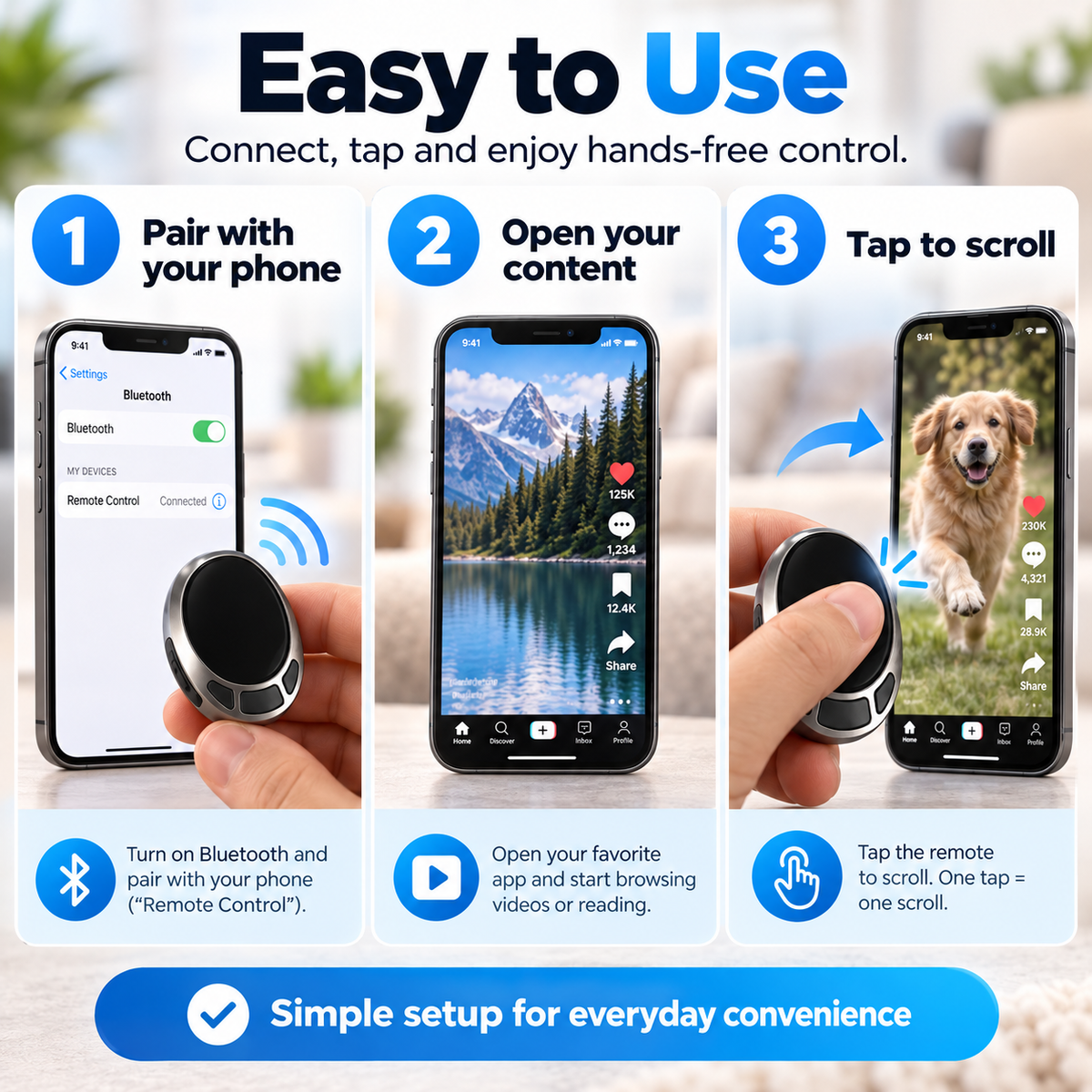
Pair It. Open Your Content. Start Controlling.
Connect the controller through your phone's Bluetooth menu, open a compatible app or content screen and use the remote for supported actions. No separate phone mount, hub or complicated control station required.
Small Device.
Surprisingly Useful Freedom.
Designed to keep simple smartphone actions within reach without keeping the smartphone itself in your hand.
Bluetooth Connection
Pairs wirelessly with compatible smartphones for convenient remote operation.
Scrolling Control
Navigate supported content without repeatedly touching the phone screen.
Remote Camera Use
Use compatible shutter functions for selfies, group photos and hands-free shots.
Pocket Friendly
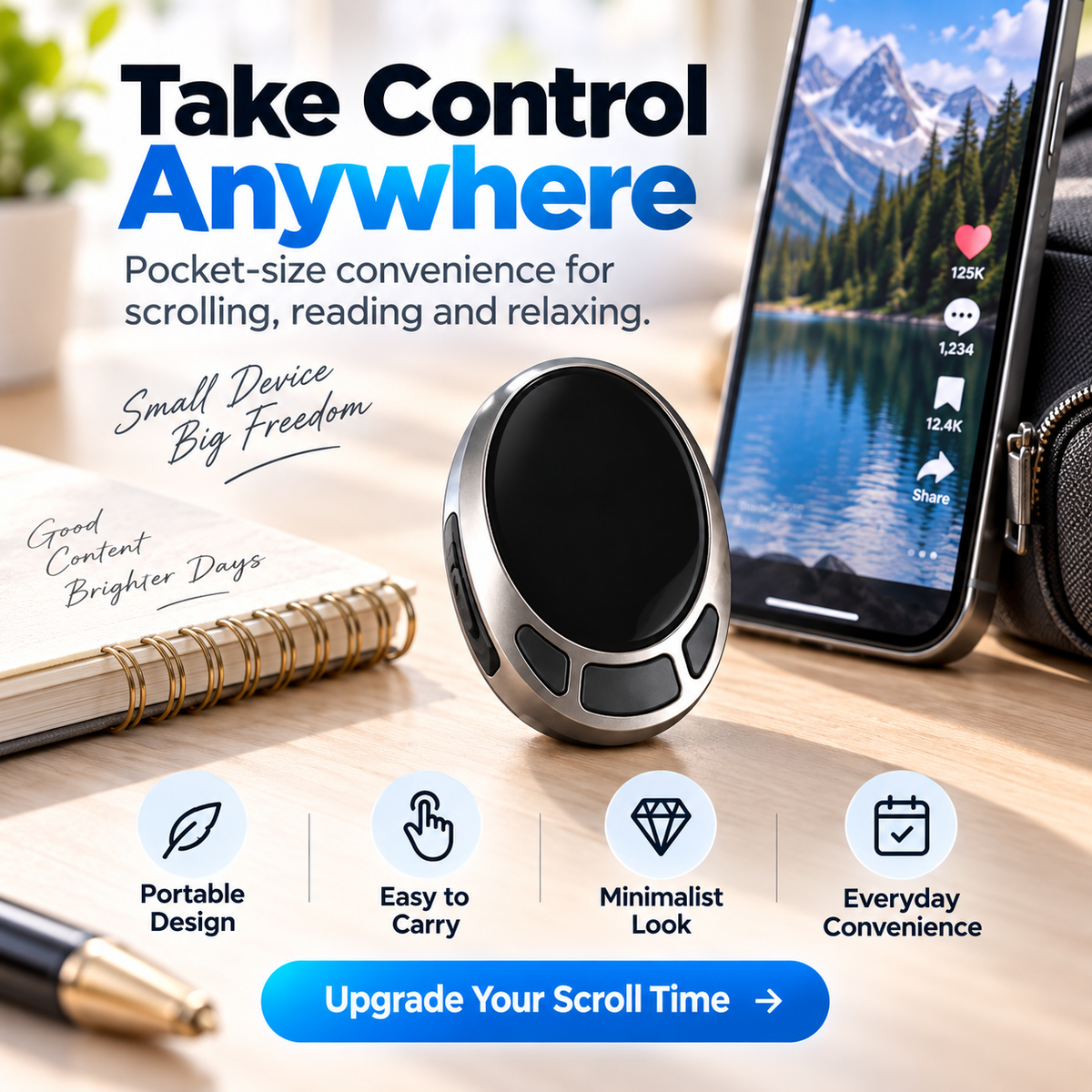
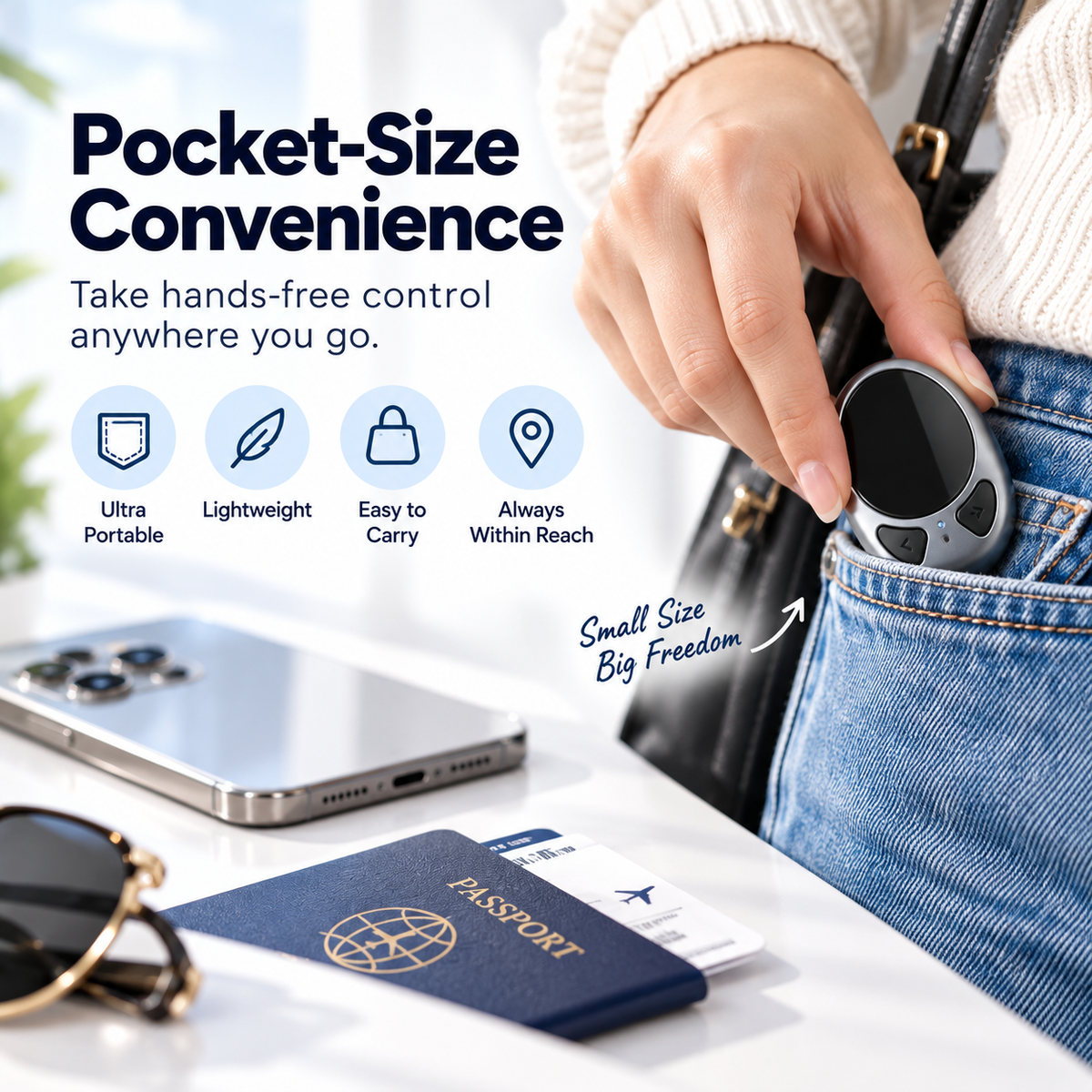
Compact enough to keep within reach in a pocket, bag, desk or bedside area.
Useful Enough To Keep Nearby. Small Enough Not To Become Clutter.
The compact oval body takes up very little space, so it can live beside your laptop, near the couch, in your everyday bag or next to your phone stand. The best remote is the one that's actually within reach.
The Difference Makes Sense The Moment You Stop Reaching.
It's a simple accessory, but repetitive convenience adds up quickly.
Watch More Comfortably
Leave the phone on a table or stand instead of holding it through every video.
Keep Your Setup Neat
Control supported phone functions without repeatedly moving your device.
Step Into The Frame
Position your phone first, then use compatible remote shutter control from a distance.
Pocket-Size Control Without Another Bulky Gadget.
Slip it into a pocket or bag and bring it to the office, hotel room, coffee shop or wherever you like to use your phone hands-free. The compact design means convenience doesn't have to come with extra bulk.
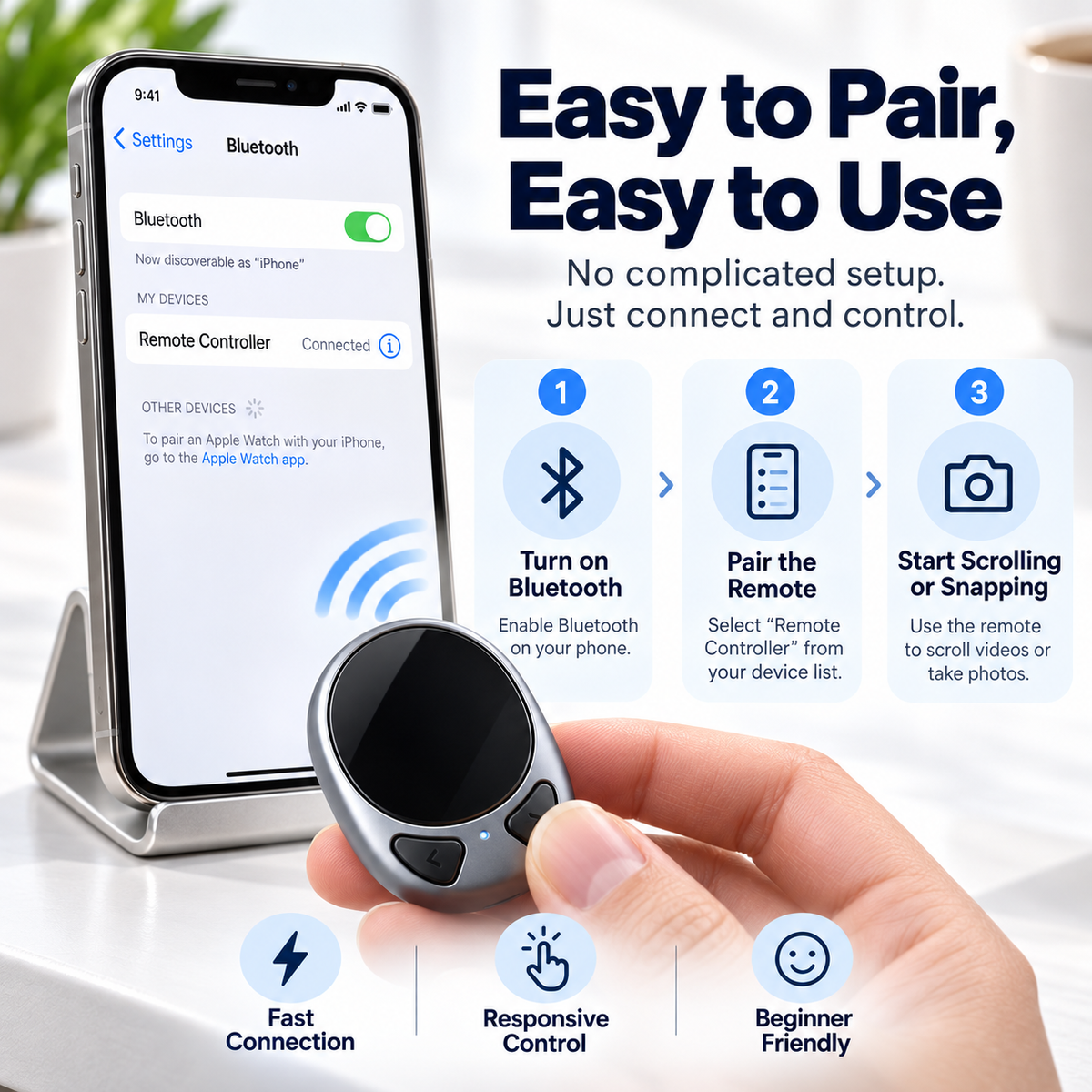
Connect. Choose Your Content. Control.
The Bluetooth setup is designed to feel familiar if you've paired wireless accessories with your phone before.
Turn On Bluetooth
Open your phone's Bluetooth settings and make sure wireless pairing is enabled.
Pair The Controller
Select the remote from your phone's available Bluetooth devices and complete pairing.
Open A Compatible App
Start browsing, watching or taking photos and use the supported remote controls.
No Learning Curve Just To Enjoy A Little More Convenience.
The pairing process follows the same basic pattern as other Bluetooth accessories. Once connected, open your compatible content and use the remote instead of constantly returning to the screen. Simple technology should feel simple to use.
Small Remote. Straightforward Purpose.
| Product Type | Bluetooth Wireless Phone Scrolling & Camera Remote |
|---|---|
| Connection | Bluetooth Wireless Pairing |
| Primary Functions | Compatible Scrolling · Content Navigation · Remote Photo Control |
| Control Style | Handheld Multi-Button Remote |
| Design | Compact Pocket-Size Oval Controller |
| Suggested Uses | Short Videos · Casual Browsing · Reading · Selfies · Everyday Phone Use |
| Setup | Pair Through Compatible Smartphone Bluetooth Settings |
| Phone Placement | Works Especially Well With A Phone Stand Or Stable Surface |
| Finish | Silver-Tone Body With Black Controls |
| Package Includes | 1 × Bluetooth Wireless Phone Controller |
Remote behavior can vary by smartphone model, operating system and app. Some apps may support scrolling, navigation or camera commands differently, and certain functions may not be available in every application. Pair the controller through your device's Bluetooth settings and test the desired function with the app you plan to use.
Before You Start Scrolling.
What does this remote actually do?
Do I need to keep holding my phone?
Can I use it for short-video apps?
Can it take selfies?
How do I connect it?
Does it need a special phone stand?
Will every button work in every app?
Is it easy to carry?
What is this product best for?
Less Reaching.
More Comfortable Screen Time.
Keep your phone where it's easiest to see and put basic compatible scrolling and camera controls in the hand that's already resting beside you.
Upgrade My Scroll Time ↑Bluetooth functions and button behavior may differ by phone model, operating system and application. Product images show example usage. A smartphone and phone stand are not included unless specifically stated in the selected product offer.


